




Proper shade matching in three steps
1. Analyse the basic shade
First determine the tooth shade with a conventional shade guide.
If possible, select three suitable shade tabs to determine the basic shade.

2. Select a Gumy-V
Select the Gumy-V matching the patient´s gingival situation as closely as possible.
Gumy-V comes in four colours: Light, Medium, Medium Dark and Dark.

3. Perform a final check
After determining the basic shade with one or more shade tabs, place the tabs in the Gumy-V.
Make sure that the cervical areas can no longer be seen, if possible, and check the shade.

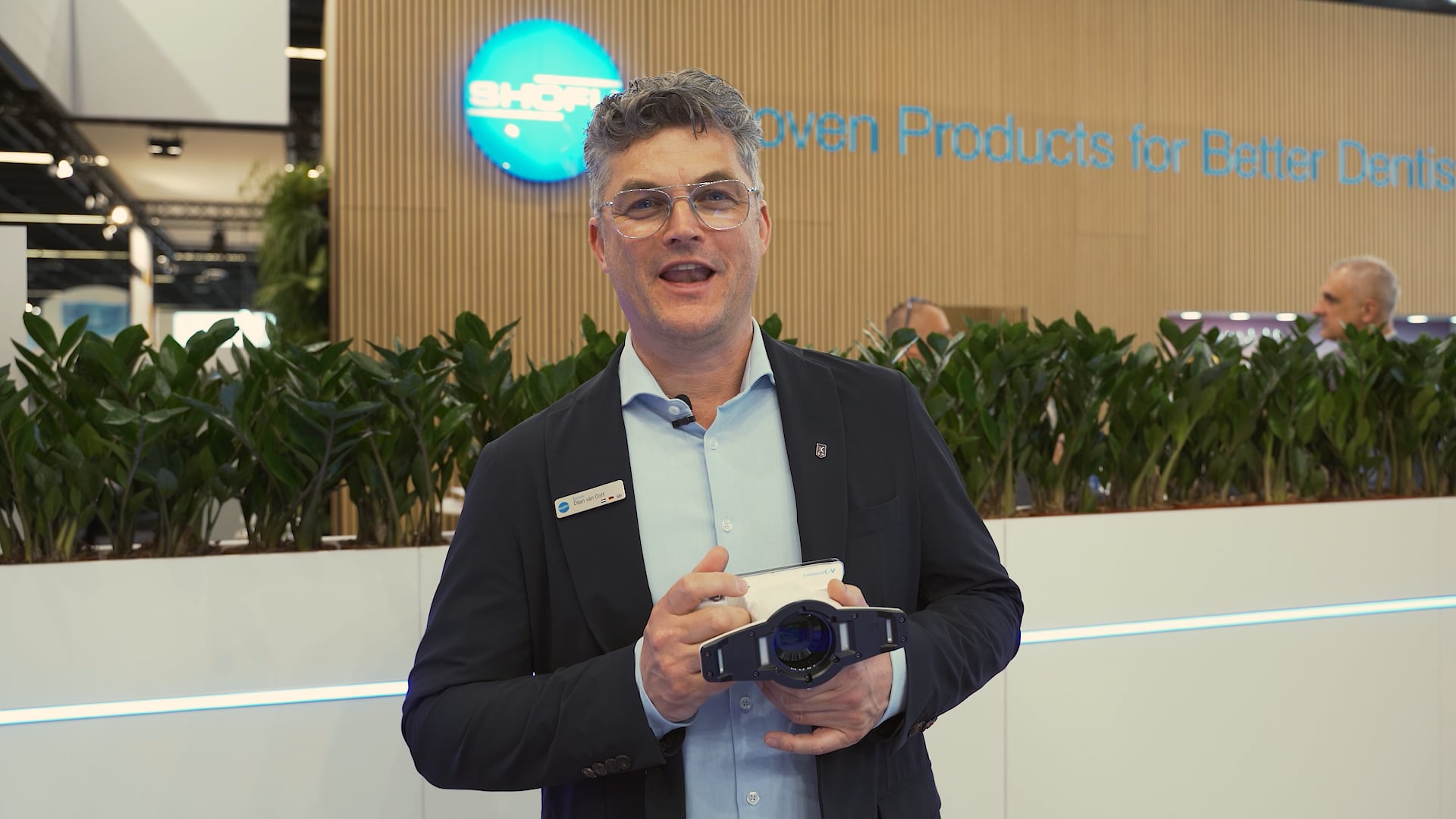
Digital photo documentation with the EyeSpecial C-V dental camera
In addition to visual shade matching with shade guide and SHOFU Gumy-V, precise photo documentation is advisable. Photographic comparison of the natural tooth shade with the corresponding shade tabs provides more information.
The EyeSpecial C-V dental camera features a special “Isolate Shade” mode for photo documentation with and without the gingiva. In this mode, up to three images are taken, showing
- the situation in true colours
- the situation with automatic masking of the gingival area
- the situation in black and white to assess the brightness.
-

 Isolate Shade - in true colours
-
 Isolate Shade - masking of the gingival area
-
 Isolate Shade - in black and white


A high-quality photo gives your dental technician useful information on the shape and other individual characteristics of the tooth, such as enamel cracks or white spots. It also creates a realistic impression of the natural oral situation.
Product details
Infovideo

Downloads
Here you can download product-relevant documents as PDF files.


